
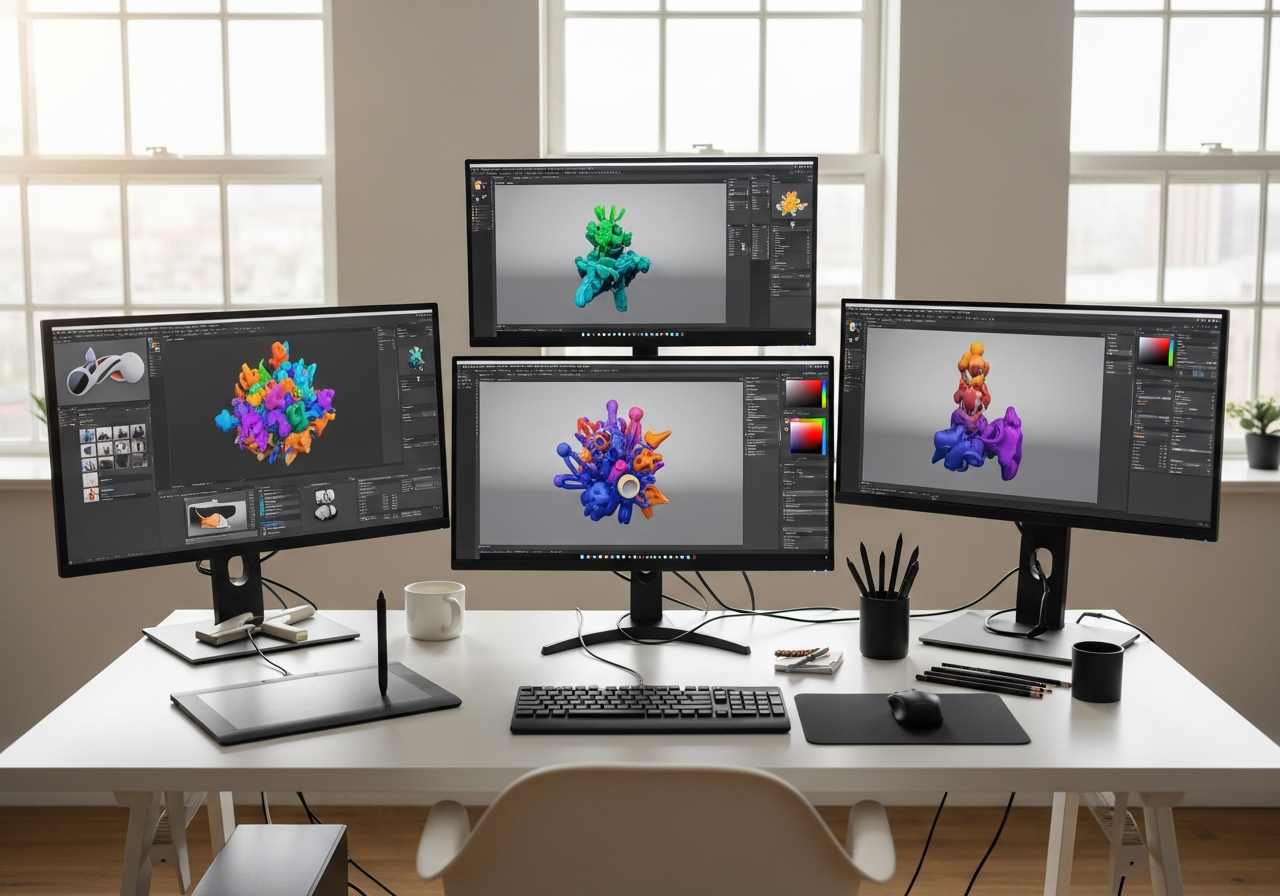
Pursuing 3D animation in Canada requires careful budget planning beyond tuition costs, with students typically spending between $500 to $3,000 CAD annually on essential plugins and digital assets. However, strategic use of free alternatives and student discounts can significantly reduce this investment to under $500 per year, making professional-grade animation tools accessible even on tight budgets.
Canadian animation schools like Pixel Blue College and Vancouver Institute of Media Arts emphasize industry-standard software including Maya, ZBrush, and Unreal Engine in their curricula. Understanding the pricing structure of these tools, including Canada-specific tax implications and student licensing options, is crucial for managing educational expenses effectively while building a competitive skillset.
Essential Software and Plugins Overview
Canadian animation institutions like Pixel Blue College structure their programs around industry-standard software packages, with Maya and ZBrush forming the core of most 3D animation workflows. Students benefit from educational licenses that provide full software access at drastically reduced rates, often saving thousands compared to commercial pricing. These educational provisions typically require verification through Canadian student databases and remain valid throughout the duration of studies.
The distinction between core and optional plugins becomes critical when managing costs, as essential tools for modeling, rigging, and rendering differ significantly from specialized add-ons. Core plugins integrate fundamental workflow improvements, while optional extensions cater to specific artistic styles or advanced techniques that may not be necessary for beginning students.
Core Industry-Standard Software
The foundation of professional 3D animation relies on several key software packages that Canadian schools consistently recommend for their graduates’ career readiness.
- Autodesk Maya (Student License): $0 CAD annually with educational verification, includes Arnold renderer and basic rigging tools
- ZBrush (Student Version): $236 CAD one-time purchase, providing full sculpting capabilities with permanent license
- Substance 3D Suite (Student): $239 CAD annually, covering Painter, Designer, and Sampler for comprehensive texturing workflows
- Unreal Engine: Free for educational use and projects under $1M revenue, including all marketplace assets for students
- Blender: Completely free and open-source with professional-grade capabilities matching commercial alternatives
Common Plugin Categories
Rigging plugins enhance character setup workflows by providing advanced control systems and automated bone placement, significantly reducing the time required for character preparation. Popular rigging tools like Advanced Skeleton for Maya or Rigify for Blender streamline the creation of professional-grade character rigs with industry-standard naming conventions.
Texturing and rendering plugins expand creative possibilities through specialized material creation tools and enhanced visual output options. These additions often focus on specific rendering engines or material types, such as subsurface scattering for organic materials or advanced hair and fur systems for character work.
Free and Open-Source Options
Blender’s ecosystem offers comprehensive free alternatives to expensive commercial plugins, making it an ideal choice for budget-conscious students. The official Blender add-on library provides rigorously tested extensions that integrate seamlessly with the base software, while community-developed tools offer specialized functionality for specific animation needs. Many Canadian schools now incorporate Blender training alongside commercial software to provide students with cost-effective workflow alternatives.
- Animation Nodes: Advanced procedural animation system for complex motion graphics and data-driven animations
- Rigify: Professional character rigging system with customizable bone structures and control schemes
- Extra Objects: Expanded primitive creation tools for architectural and mechanical modeling workflows
- Node Wrangler: Streamlined node editing for Shader Editor and Geometry Nodes with keyboard shortcuts
- TexTools: UV mapping and texture baking utilities for optimized game asset creation
- Sapling Tree Generator: Procedural tree and plant creation with realistic branching patterns
Top Free Blender Addons
Essential free add-ons provide professional functionality without additional cost, covering major workflow areas from modeling to final rendering. These tools often match or exceed the capabilities of paid alternatives while maintaining compatibility with Blender’s regular updates.
| Addon Name | Function | Source |
|---|---|---|
| Auto-Rig Pro | Advanced character rigging with facial controls | Blender Market (Free Version) |
| MB-Lab | Human character creation and morphing | GitHub Community |
| Molecular Script | Particle interaction and physics simulation | Blender Artists Forum |
| Ivy Generator | Procedural vine and ivy creation | Official Blender Add-ons |
| Building Tools | Architectural modeling and floor planning | Blender Extensions |
| Scatter | Object distribution and environment population | Blender Market Community |
Paid Plugins and Student Discounts
Commercial plugins for Maya and other professional software typically range from $10 to $50 CAD for students, representing savings of 70-90% compared to full commercial licenses. Student validation in Canada requires current enrollment verification through participating educational institutions, with most major software companies accepting Canadian student credentials for international licensing programs.
Popular Maya plugins like mGear for rigging or Redshift for GPU rendering offer substantial functionality improvements over default tools, while remaining affordable through educational pricing tiers. Substance 3D tools provide industry-standard texturing capabilities at student rates that make professional workflows accessible during the learning phase.
The verification process typically involves uploading current student ID documents or using institutional email addresses to confirm enrollment status. Most student licenses require annual renewal with continued proof of educational status, though some offer multi-year options for degree programs.
| Plugin | Full Price CAD | Student Price CAD | Discount % |
|---|---|---|---|
| mGear Rigging Framework | $199 | $29 | 85% |
| Redshift Renderer | $675 | $45 | 93% |
| V-Ray for Maya | $470 | $39 | 92% |
| Ornatrix Hair Plugin | $399 | $49 | 88% |
| Phoenix FD | $750 | $35 | 95% |
Autodesk Maya Plugins
Bifrost for Maya provides advanced visual effects simulation capabilities, including fluid dynamics and procedural modeling tools that integrate directly with Maya’s native workflow. Student access to Bifrost comes included with educational Maya licenses, offering the same functionality as commercial versions without additional cost.
Arnold renderer serves as Maya’s default rendering engine in recent versions, providing physically-based rendering with industry-standard quality output. Students receive full Arnold capabilities through their educational Maya license, including GPU acceleration and advanced shading networks for professional-quality final renders.
ZBrush and Maxon Tools
Student licensing for ZBrush and Maxon products follows a streamlined verification process that provides long-term access to professional sculpting and motion graphics tools.
- Register for student account using institutional email address and upload current enrollment verification documents
- Download and install student version software with full functionality matching commercial releases
- Activate license using student credentials, valid for duration of enrollment period
- Renew annually with continued enrollment verification through participating Canadian institutions
3D Assets and Model Costs
The divide between free and paid 3D assets significantly impacts student budgets, with free resources often providing sufficient quality for educational projects while paid assets offer specialized detail and commercial licensing rights. TurboSquid remains a primary marketplace for professional assets, with student-friendly pricing tiers and educational discounts available for bulk purchases that can reduce per-asset costs substantially.
Unity Asset Store bundles provide exceptional value for game-oriented animation students, offering complete environment packages and character sets at prices significantly lower than individual asset purchases. Many bundle deals include seasonal discounts that can reduce costs by 50-80%, making professional-quality assets accessible for student portfolios and class projects.
Free asset sources like Sketchfab’s educational collection and Blender’s community models provide legally-cleared options for non-commercial educational use. These resources often include source files and textures that allow students to study professional modeling techniques while building their own asset libraries without budget constraints.
Asset Pricing Tiers
Understanding asset pricing structures helps students allocate budgets effectively across different project needs, from simple background elements to hero characters requiring detailed modeling and rigging.
| Type | Free Sources | Paid Range CAD | Use Case |
|---|---|---|---|
| Characters | Blender Cloud, CC0Textures | $15-150 | Portfolio pieces, animation reels |
| Environments | Quixel Bridge, Epic Marketplace | $25-300 | Scene backgrounds, level design |
| Props | Sketchfab Creative Commons | $5-75 | Scene decoration, interaction objects |
| Textures | Textures.com, Poly Haven | $3-50 | Material creation, surface detail |
Canadian School Software Provisions
Major Canadian animation institutions provide comprehensive software access through tuition fees, significantly reducing individual student costs for professional tools. Pixel Blue College and Toronto Film School include lab access to industry-standard software in their program fees, while Vancouver Institute of Media Arts provides both classroom licenses and take-home educational versions for continued learning.
| School | Provided Tools | Student Cost | Duration |
|---|---|---|---|
| Pixel Blue College | Maya, ZBrush, Substance, After Effects | Included in tuition | Program duration + 6 months |
| Vancouver Institute of Media Arts | Complete Adobe Suite, Maya, Houdini | $200 CAD tech fee | Academic year |
| Toronto Film School | Maya, Nuke, Houdini, Mari | Included in tuition | 18 months |
| Sheridan College | Maya, ZBrush, Photoshop, Toon Boom | $150 CAD lab fee | Per semester |
| Algonquin College | Maya, 3ds Max, Adobe Creative Suite | $100 CAD software fee | Academic year |
Pixel Blue College Breakdown
Pixel Blue College’s $19,995 CAD annual tuition includes comprehensive access to Maya, ZBrush, Substance 3D Suite, and After Effects through institutional licenses that extend six months beyond program completion. Students receive both classroom lab access and home licensing options, enabling flexible learning schedules without additional software costs.
The college’s software provisioning model eliminates the need for individual student purchases of major animation tools, representing a savings of approximately $2,500-3,500 CAD annually compared to individual educational licenses. This integrated approach ensures all students work with identical software versions and configurations, streamlining collaborative projects and technical support.
Other Institutes
- Vancouver Film School: Provides industry-standard VFX pipeline including Maya, Houdini, and Nuke with alumni license extensions
- Capilano University: Offers Maya and Adobe Creative Suite access through lab fees with remote desktop options for home use
- Emily Carr University: Includes specialized animation software in fine arts programs with focus on experimental and traditional techniques
- Seneca College: Comprehensive game development focus including Unreal Engine training and Unity Pro licensing for students
- New Brunswick Community College: Regional focus with industry partnerships providing direct software training and certification paths
Total Annual Cost Estimates
Comprehensive budget planning reveals distinct tiers of investment depending on software choices and institutional support, with low-budget approaches leveraging free alternatives and student discounts achieving professional results under $500 CAD annually. Mid-range budgets incorporating selective paid plugins and asset purchases typically range from $800-1,500 CAD, while premium setups with commercial-grade tools can reach $2,000-3,000 CAD including applicable taxes like HST.
Provincial tax variations significantly impact final costs, with Ontario’s 13% HST adding substantial amounts to software purchases compared to Alberta’s 5% GST. Students must factor these regional differences into budget planning, as a $500 CAD software purchase can cost between $525-565 CAD depending on location.
Hidden costs including hardware upgrades, cloud storage subscriptions, and annual license renewals often add 20-30% to initial software investments. Planning for these ongoing expenses prevents budget shortfalls and ensures continuous access to essential tools throughout the academic program.
| Budget Tier | Plugins/Assets Cost CAD | Included Software | Total |
|---|---|---|---|
| Minimal Budget | $200-500 | Blender, free addons, CC0 assets | $230-575 (with tax) |
| Student Standard | $800-1500 | Maya student, ZBrush, select plugins | $900-1695 (with tax) |
| Professional Prep | $2000-3000 | Full commercial licenses, premium plugins | $2260-3390 (with tax) |
| School-Provided | $0-300 | Institutional licenses, lab access | $0-340 (personal assets only) |
Budget vs Premium Scenarios
A minimal budget scenario utilizing Blender as the primary platform with carefully selected free add-ons can achieve professional-quality results for under $500 CAD annually. This approach requires greater time investment in learning free alternatives but provides identical output quality for most educational and portfolio projects, making it ideal for students prioritizing cost savings over workflow efficiency.
Premium scenarios incorporating commercial Maya plugins, Substance 3D Suite, and high-quality asset libraries offer streamlined professional workflows that mirror industry standards. While significantly more expensive at $2,000-3,000 CAD annually, this investment provides direct preparation for studio environments and may justify higher costs for students targeting competitive industry positions immediately upon graduation.
Tips for Minimizing Costs
Strategic cost reduction begins with maximizing free alternatives before considering paid options, as tools like Blender now rival commercial software in capabilities while maintaining zero licensing costs. The Autodesk Education Community portal provides comprehensive free access to Maya, 3ds Max, and related tools for verified students, eliminating the need for expensive commercial licenses throughout the educational period.
- Register immediately for Autodesk Education Community using institutional email for free access to Maya, 3ds Max, and Arnold renderer
- Explore Blender’s extensive free add-on ecosystem before purchasing commercial plugins with similar functionality
- Utilize school-provided software licenses and lab access to test expensive tools before personal purchase decisions
- Join student communities and forums for shared knowledge about educational discounts and free alternative workflows
- Time major purchases around annual education sales events when discounts reach maximum percentages
- Consider collaborative asset sharing with classmates to reduce individual purchase costs for specialized models and textures
Discount Application Steps
The student verification process for educational discounts requires systematic documentation and timing to ensure successful approval and maximum savings on professional software purchases.
- Gather current enrollment verification documents including student ID, transcript, and institutional email access
- Register for student accounts with major software vendors using institutional email addresses for automatic verification
- Upload required documentation through vendor student portals, ensuring all dates and information match current enrollment status
- Wait for verification approval, which typically takes 3-5 business days for Canadian institutions
- Complete purchases immediately after approval, as some student pricing requires active verification status to access discounted rates
Cost-Effective Workflow Strategies
Building efficient workflows around free and low-cost tools requires strategic planning but can achieve professional results while maintaining minimal expenses. Students should prioritize learning transferable skills that work across multiple software packages rather than becoming dependent on expensive specialized tools that may not be accessible in all work environments.
Hidden Costs and Taxes in Canada
Canadian provincial tax structures significantly impact software costs, with HST rates ranging from 5% in Alberta to 15% in Atlantic provinces adding substantial amounts to digital purchases. Ontario students face 13% HST on software purchases, meaning a $500 CAD plugin actually costs $565 CAD, while Alberta students pay only $525 CAD for the same tool due to lower GST rates.
Annual renewal costs often surprise students who budget only for initial purchases, as many professional plugins require yearly subscription fees or update payments to maintain functionality. Hardware upgrade requirements for demanding 3D software can add unexpected costs, particularly for GPU-intensive rendering plugins that may require graphics card upgrades costing $500-2,000 CAD to achieve acceptable performance levels.
Cloud storage and collaboration tools represent ongoing monthly expenses that accumulate significantly over academic programs, with professional-grade solutions like Autodesk Drive or Adobe Creative Cloud storage adding $10-50 CAD monthly to student budgets. These recurring costs often exceed initial software investments when calculated over multi-year programs, making budget planning for subscription services essential.
Tax and Renewal Breakdown
Understanding provincial tax variations helps students accurately budget for software purchases and avoid unexpected costs that can strain educational finances.
| Province | Sales Tax % | Example Total ($100 Plugin) |
|---|---|---|
| Ontario | 13% HST | $113 CAD |
| British Columbia | 12% (GST + PST) | $112 CAD |
| Alberta | 5% GST | $105 CAD |
| Nova Scotia | 15% HST | $115 CAD |